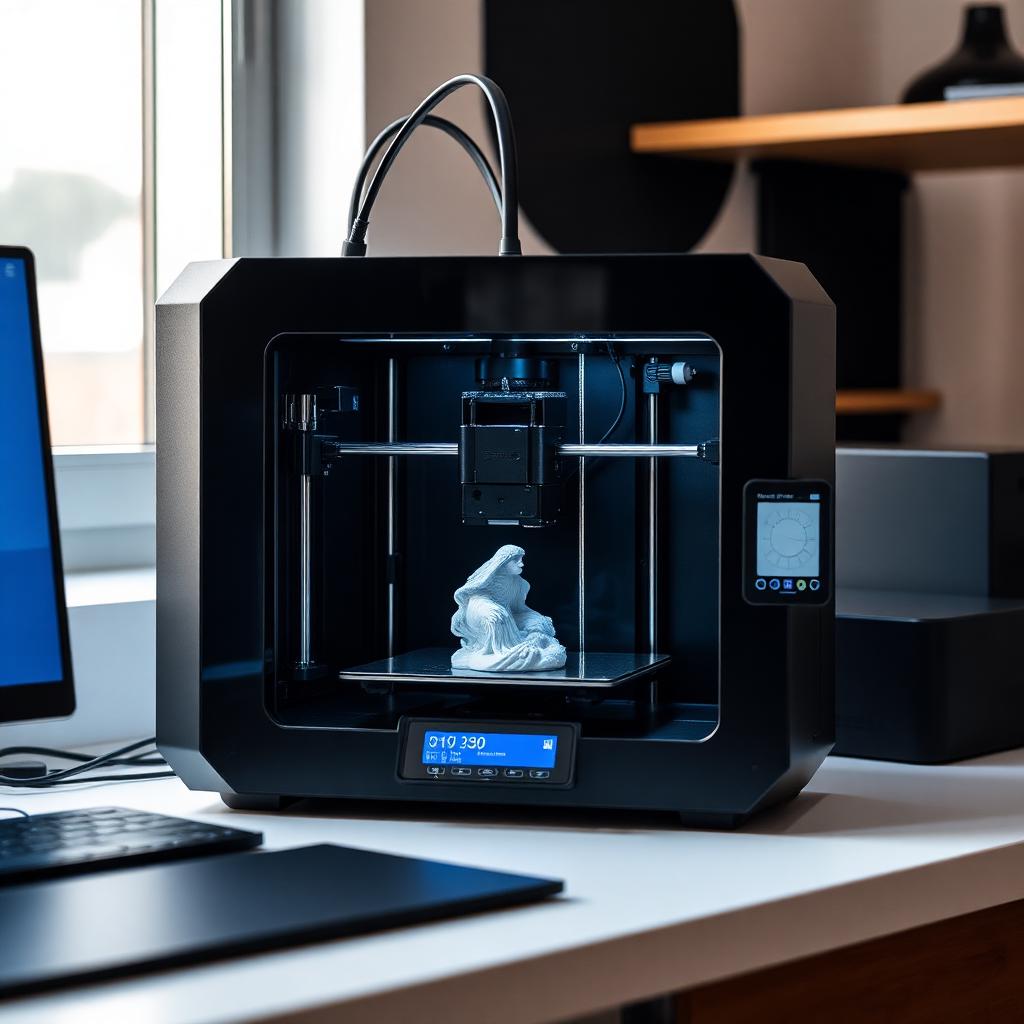
3D Printer Buyer's Guide 2026
Everything you need to know before buying your first (or next) 3D printer
Last updated
Quick Navigation
Buying a 3D printer in 2026 is more exciting than ever. With prices dropping and quality improving, there's never been a better time to start. Whether you're a complete beginner or looking to upgrade, this guide will help you navigate the options and make an informed decision based on your needs, budget, and experience level.
Understanding 3D Printer Types
FDM Printers (Fused Deposition Modeling)
Best For:
- Functional parts and prototypes
- Large prints
- Beginners
- Educational use
Advantages:
- Lower cost per print
- Wide material selection
- Larger build volumes
- Easier maintenance
- Less messy
Limitations:
- Visible layer lines
- Lower detail than resin
- Support removal required
💡 Recommended if you want versatility and low running costs
Resin Printers (SLA/MSLA)
Best For:
- Miniatures and figurines
- Jewelry and dental
- High-detail models
- Small parts
Advantages:
- Extremely high detail
- Smooth surface finish
- Better for miniatures
- Faster for small objects
Limitations:
- Messy post-processing
- Toxic resin fumes
- Higher material costs
- Smaller build volumes
- Limited material options
💡 Recommended if detail is your top priority
Which Should You Choose?
Choose FDM if: You want to print functional parts, large objects, or you're just starting out. FDM is more forgiving, cleaner, and offers better value for most hobbyists.
Choose Resin if: You're specifically interested in miniatures, jewelry, or need ultra-fine details. Be prepared for more involved post-processing and safety precautions.
Key Features to Consider
1. Build Volume
How large of objects can you print? Common sizes:
- Small: 200×200×200mm - Good for most hobbyists
- Medium: 250×250×250mm - More versatility
- Large: 300×300×300mm+ - For big projects
2. Auto Bed Leveling
Essential for beginners. Automatic bed leveling saves hours of frustration and ensures consistent first layers. Don't buy a printer without this feature unless you enjoy tinkering.
3. Direct Drive vs Bowden Extruder
Direct Drive: Extruder mounted on print head. Better for flexible filaments, more consistent extrusion. Slightly heavier print head.
Bowden: Extruder on frame, feeds filament through tube. Lighter print head enables faster speeds. Can struggle with flexible materials.
4. Print Speed
Modern printers can reach 150-300mm/s. However, real-world speeds depend on model complexity and quality settings. Don't obsess over maximum speed specs.
5. Firmware & Features
- Klipper Support: Advanced firmware for better performance
- Touchscreen: Easier navigation than rotary knobs
- WiFi/Network: Start prints remotely
- Resume Print: Continue after power loss
- Filament Runout Sensor: Pauses when filament runs out
6. Enclosure
Enclosed printers maintain stable temperatures, reduce warping with ABS/ASA, and contain noise and fumes. Not essential for PLA, but beneficial for advanced materials.
Best Budget 3D Printers for 2026
Budget doesn't mean compromising on quality anymore. These printers offer excellent value and reliability for makers at every level.
What "Budget" Means in 2026
- Under $200: Entry-level, great for learning basics
- $200-$400: Sweet spot - features meet affordability
- $400-$600: Premium budget options with advanced features
Current Budget Picks
These are printers you can buy new today. Our overall beginner pick, the Bambu Lab A1, is covered in Making Your Final Decision below.
Affiliate disclosure: As an Amazon Associate I earn from qualifying purchases. Amazon buttons on this page open Amazon search results for the product or material named on the button, not a specific listing, so check the exact product, price and seller before buying.
Creality Ender-3 V3 SE
Best under $200
- 220×220×250mm build volume
- CR Touch auto bed leveling with automatic Z offset
- Direct drive extruder for PLA, PETG and TPU
- Trade-off: partial assembly, files by SD card, no camera
Opens Amazon.com search results for this product in a new tab, not a specific listing. Confirm the exact product name on the listing. Amazon affiliate link.
Bambu Lab A1 mini
Best for small spaces
- 180×180×180mm build volume
- Same full automatic calibration as the A1
- 300°C hot end and 80°C heated bed
- Trade-off: the small plate will not fit large prints
Opens Amazon.com search results for this product in a new tab, not a specific listing. Confirm the exact product name on the listing. Amazon affiliate link.
Comparing more options? See our best 3D printers under $300 and under $500 guides.
Sovol Printer Lineup: Top Budget Choices
Sovol has earned a reputation for delivering professional-grade features at budget prices. Here's how three of its printers compare. Sovol no longer lists the SV06 Plus or SV07 as new printers on its US store (checked November 23, 2026); the SV08 is still sold.
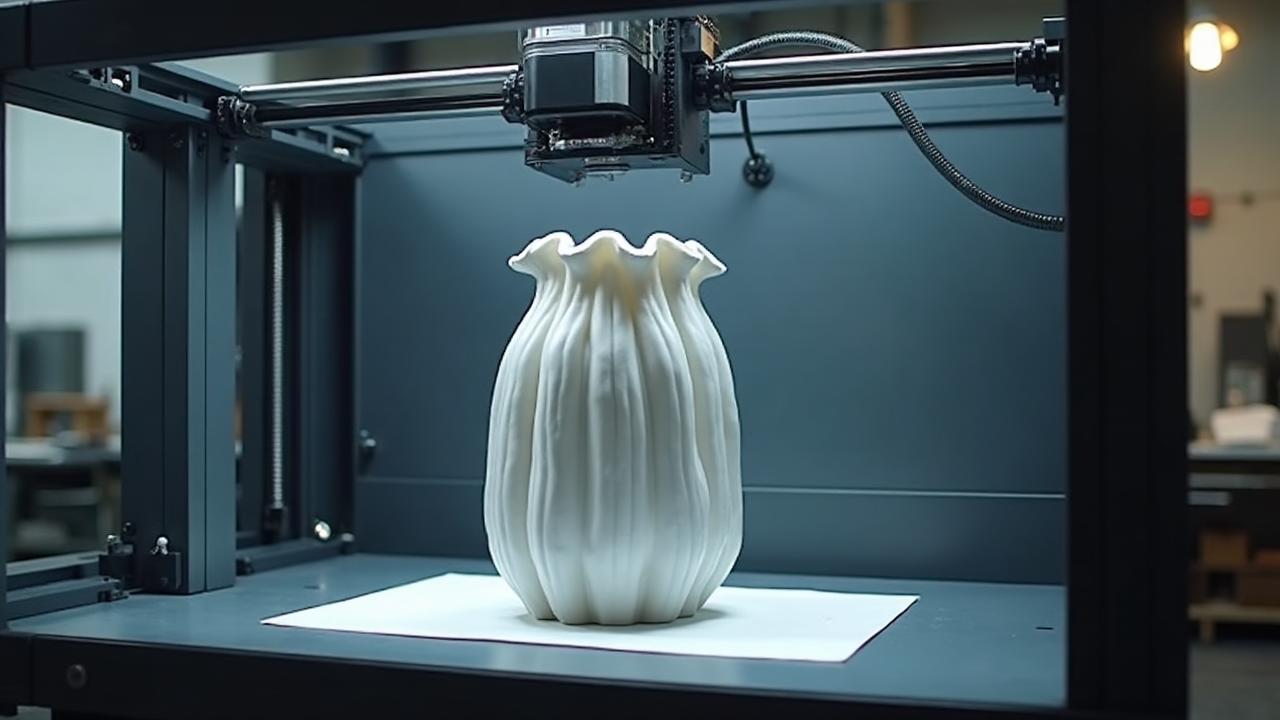
Sovol SV06 Plus
Best Value Large Format
Key Features:
- 300×300×340mm build volume
- Auto bed leveling
- Direct drive extruder
- PEI build surface
- Klipper firmware ready
Perfect for users who need a large build area without breaking the bank. The SV06 Plus offers exceptional value with professional features.
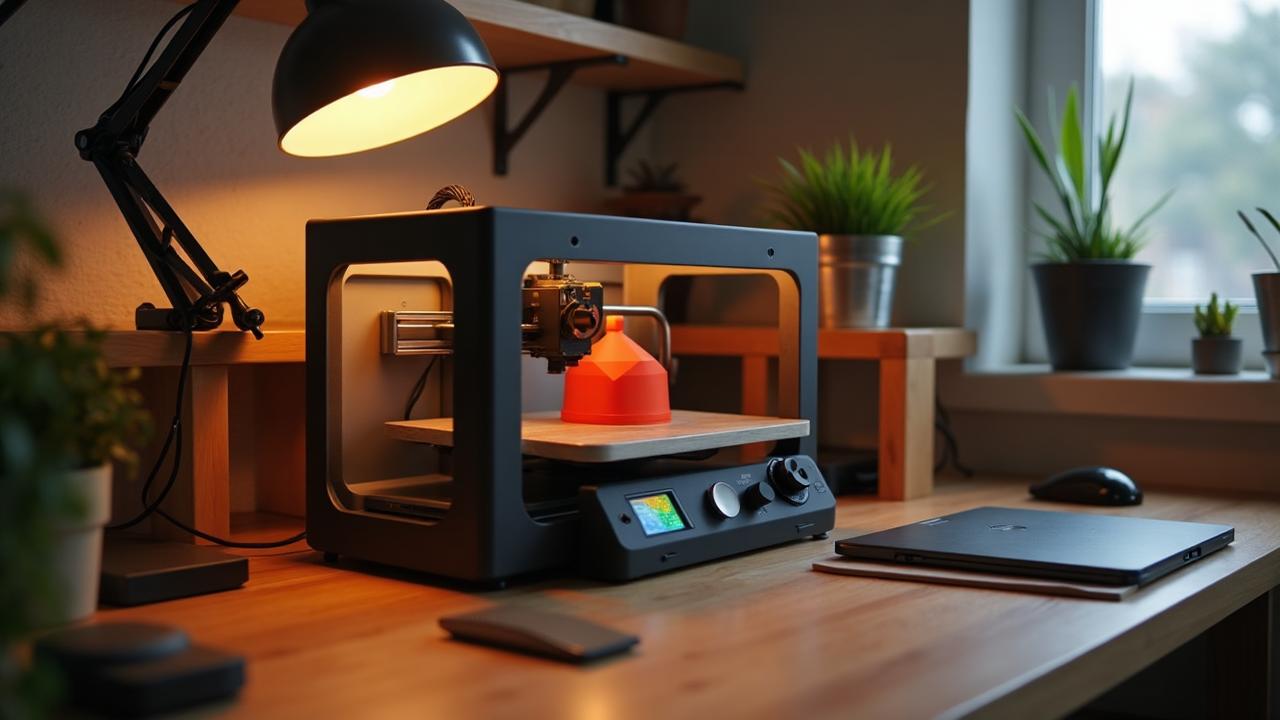
Sovol SV07
Best Speed/Value Ratio
Key Features:
- 220×220×250mm build volume
- Up to 250mm/s print speed
- Klipper firmware pre-installed
- Input shaping for quality
- Direct drive with dual gears
The SV07 balances speed and quality with Klipper firmware out of the box. Ideal for users who want fast prints without compromising reliability.
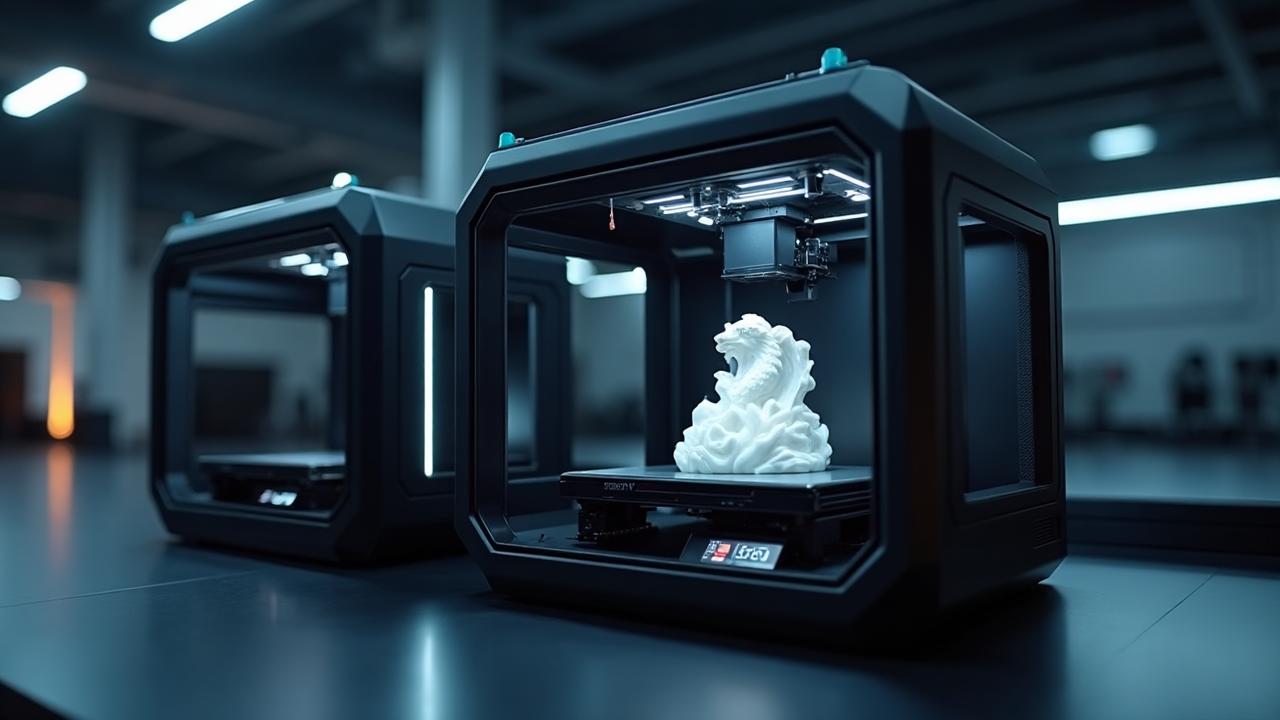
Sovol SV08
Best Premium Budget Option
Key Features:
- 350×350×345mm build volume
- CoreXY kinematics with linear rails
- Open frame; Sovol sells an optional enclosure
- Klipper firmware, rated up to 700mm/s
- Four independent Z motors
The SV08 brings large-format CoreXY performance at a mid-range price. It is an open-frame printer, so add Sovol's optional enclosure before printing ABS or ASA.
Looking at the Sovol lineup?
Sovol is one of our affiliate partners. Check current models, specifications and pricing on their own store before deciding — availability and configurations change.
View Sovol PrintersAffiliate link. Qualifying purchases may earn us a commission at no extra cost to you.
Making Your Final Decision
Ask Yourself These Questions:
1. What will you print?
- Functional parts → FDM with larger build volume
- Miniatures/jewelry → Resin printer
- Mixed use → Start with FDM
2. How much space do you have?
- Limited space → Smaller printer (220mm³)
- Dedicated area → Large format (300mm³+)
- Resin requires ventilation and cleanup area
3. What's your experience level?
- Beginner → Auto-leveling, pre-assembled, good support
- Intermediate → More features, kit options acceptable
- Advanced → Consider CoreXY, Klipper, custom builds
4. What's your budget?
- Under $300 → Creality Ender-3 V3 SE or Bambu Lab A1 mini
- $300-$500 → Bambu Lab A1, or an enclosed Elegoo Centauri Carbon 2
- $500+ → Sovol SV08, Bambu Lab P2S, Original Prusa CORE One+
Our Top Recommendation for Beginners
Bambu Lab A1 - The best all-around choice for most new users.
It replaces the Sovol SV06 Plus, which Sovol no longer lists as a new printer on its US store (checked November 23, 2026). Our beginner printer guide compares it in more depth.
- Full automatic calibration of the bed, Z offset and flow rate
- 256×256×256mm build volume for versatility
- 300°C all-metal hot end for PLA, PETG and TPU
- Built-in camera plus runout, tangle and power-loss sensors
- Arrives largely assembled; AMS lite can add four-color printing later
Trade-offs: it is an open-frame printer, so ABS and ASA are not realistic, and it is designed around Bambu Studio or OrcaSlicer rather than Cura.
Opens Amazon.com search results for this product in a new tab, not a specific listing. Confirm the exact product name on the listing. Amazon affiliate link.
After You Buy: First Steps
Essential Accessories
- Starter filament pack (PLA variety)
- Spatula/scraper for print removal
- Isopropyl alcohol for bed cleaning
- Calipers for measurement
- Storage container with desiccant
Your First Prints
- Calibration cube - Test dimensional accuracy
- Benchy boat - Standard benchmark print
- Temperature tower - Find optimal settings
- Retraction test - Minimize stringing
- Real project - Something you actually need!
Ready to Choose Your Printer?
Browse our curated selection of top-rated 3D printers and find the perfect match for your needs and budget. Check out current deals and in-depth reviews.
Shopping on Amazon? Our guide to comparing 3D printers on Amazon explains what to check on each listing before you buy.
Amazon affiliate link. As an Amazon Associate I earn from qualifying purchases.